BUYING GUIDE
Choosing a keyboard layout: 60% to 100%
Last updated: 2026-10-29
The percentage is roughly how much of a full-size keyboard is kept. Fewer keys means a shorter board and your mouse closer to hand; the trade-off is that some keys need an Fn combination. Key counts vary a little between brands at the same percentage, so the numbers in brackets are for models we actually sell.
100%: everything
Number pad, arrows and function keys, all there. Good if you enter lots of numbers or work in spreadsheets (for example the Keychron K5 Max, 108 keys). The downside: it's the longest, so on a small desk your mouse gets pushed out.
96%: number pad kept, gaps removed
The gaps between a full-size board's sections are closed up, so the number pad stays but the board is noticeably narrower (for example the Lofree Flow 2 100, 100 keys). Pick this if you need a number pad on a small desk.
80% (TKL): no number pad
Keeps the arrows and the Insert, Home and Page Up cluster, dropping only the number pad (for example the Keychron Q3 Max). Your mouse sits closer for gaming without losing everyday keys.
75%: the balanced choice
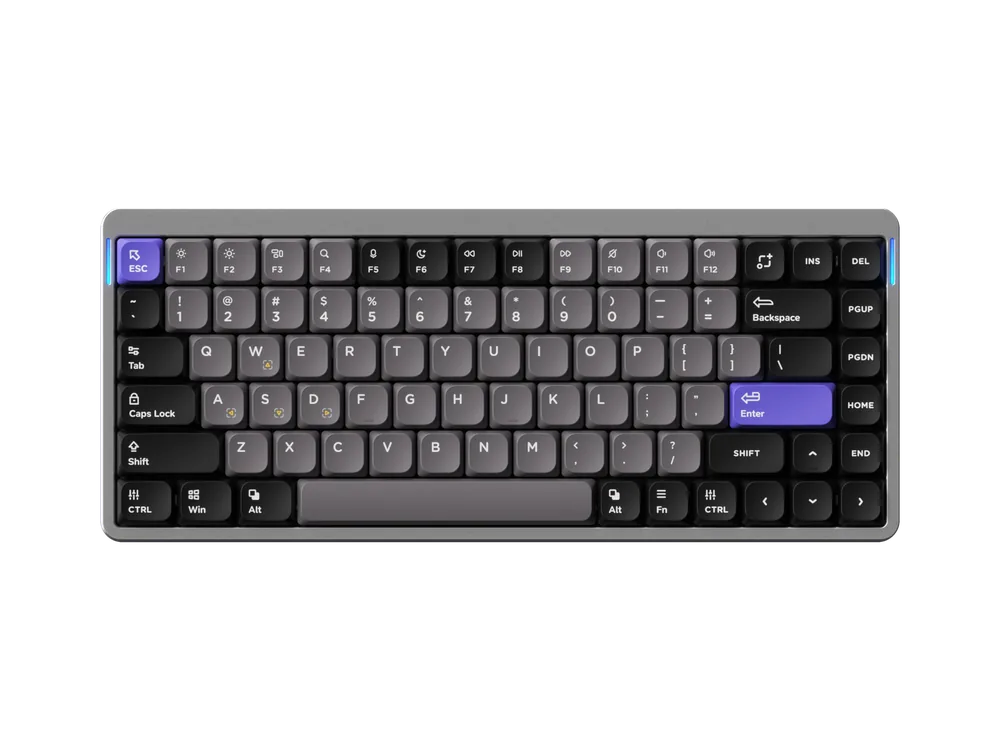
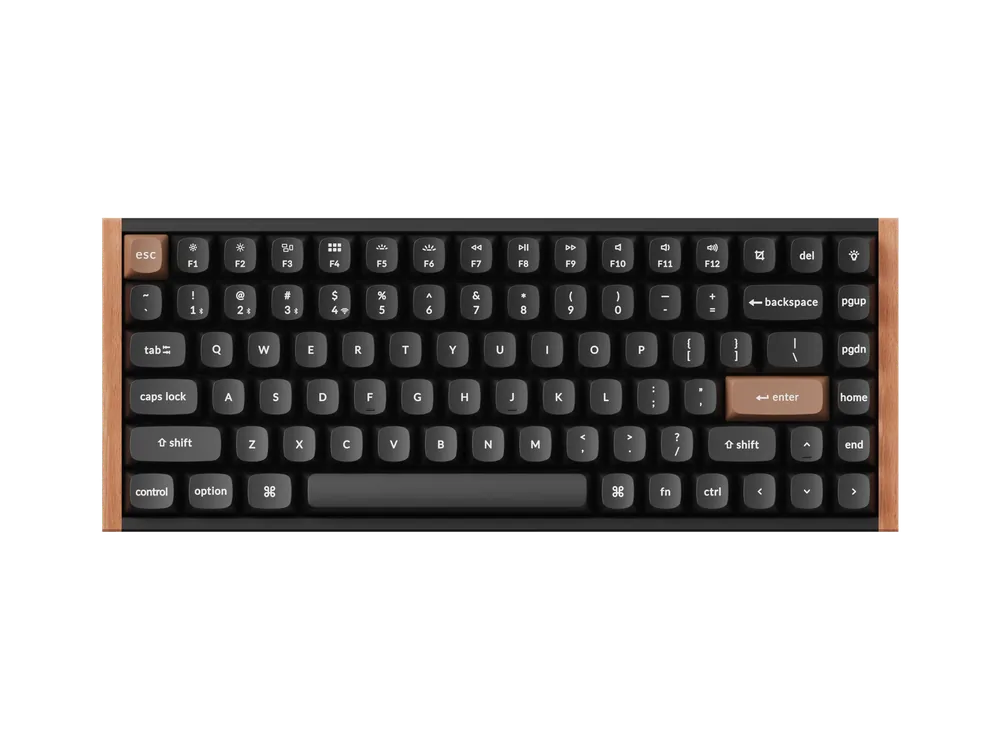
Takes 80% and squeezes the editing keys into one column; function keys and arrows stay (for example the NuPhy Air75 HE, 84 keys). It's the layout we sell most, and it suits most people.
65%: no function row
The F1–F12 row is gone, so you use Fn plus the number keys; arrows stay (for example the Lofree Tofu68, 68 keys). Smaller still, for people who rarely use function keys.
60%: the smallest
Function keys and usually arrows need key combinations. It saves the most space, for pure gaming or a minimal desk (for example the NuPhy Air60 V2, 64 keys).
Alice: split and angled
The two halves are angled apart for a more natural wrist position; it takes a little getting used to (for example the Keychron K15 Max, 90 keys).
A quick way to decide
- Use the number pad a lot: 100% or 96%.
- Mainly gaming and want the mouse closer: 75% or smaller.
- Not sure: 75%.