BUYING GUIDE
Magnetic or mechanical switches: how to choose
Last updated: 2026-10-29
Both kinds of keyboard have a switch under every key. The difference is how the keyboard knows a key has been pressed, and that decides whether you can adjust the actuation depth or use Rapid Trigger.
Mechanical: pressed once it reaches a fixed point
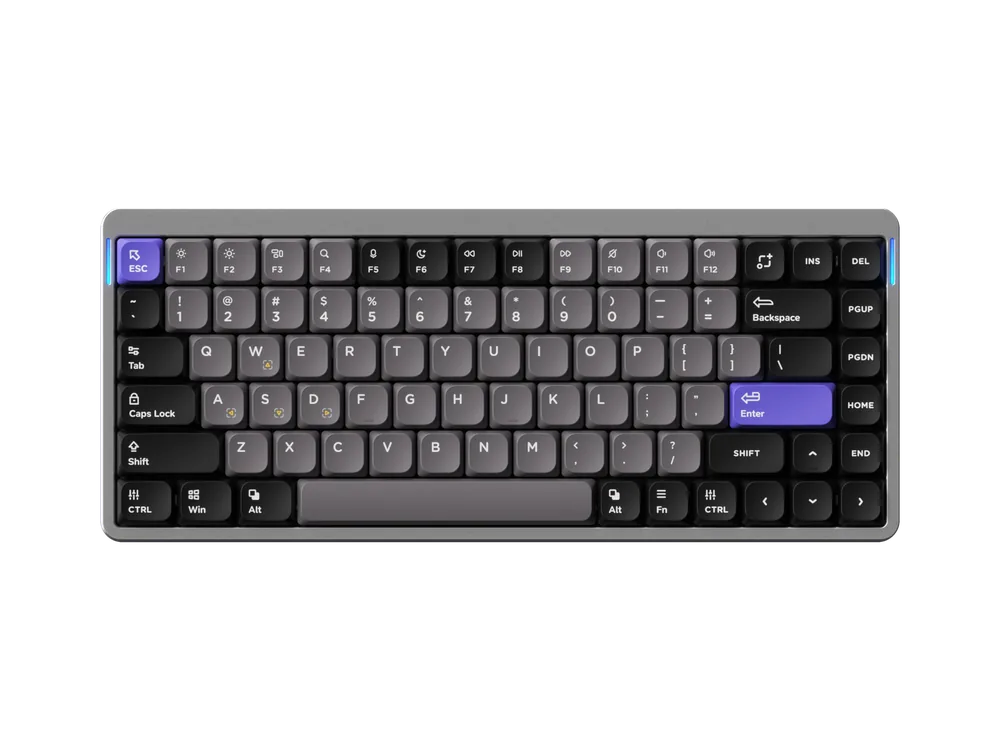
A mechanical switch has a pair of metal contacts. When the key reaches a certain depth they touch, and only then does the keyboard register a press. That depth is set by the switch design and can't be changed. For example, the Kailh Cloud Series switches in the Lofree Flow 2 have 2.8 mm of total travel and actuate at about 1.3 mm, according to Lofree.
The upside of mechanical switches is choice: linear switches are smooth, tactile switches have a distinct bump, and silent switches are quiet. Many boards are hot-swappable, so you can fit other 3- or 5-pin MX switches without soldering.
Magnetic: the keyboard always knows how far you've pressed
A magnetic switch has a magnet in its stem, and a sensor on the circuit board measures its position continuously. Because the keyboard knows how far each key is down, it can do things a mechanical switch can't:
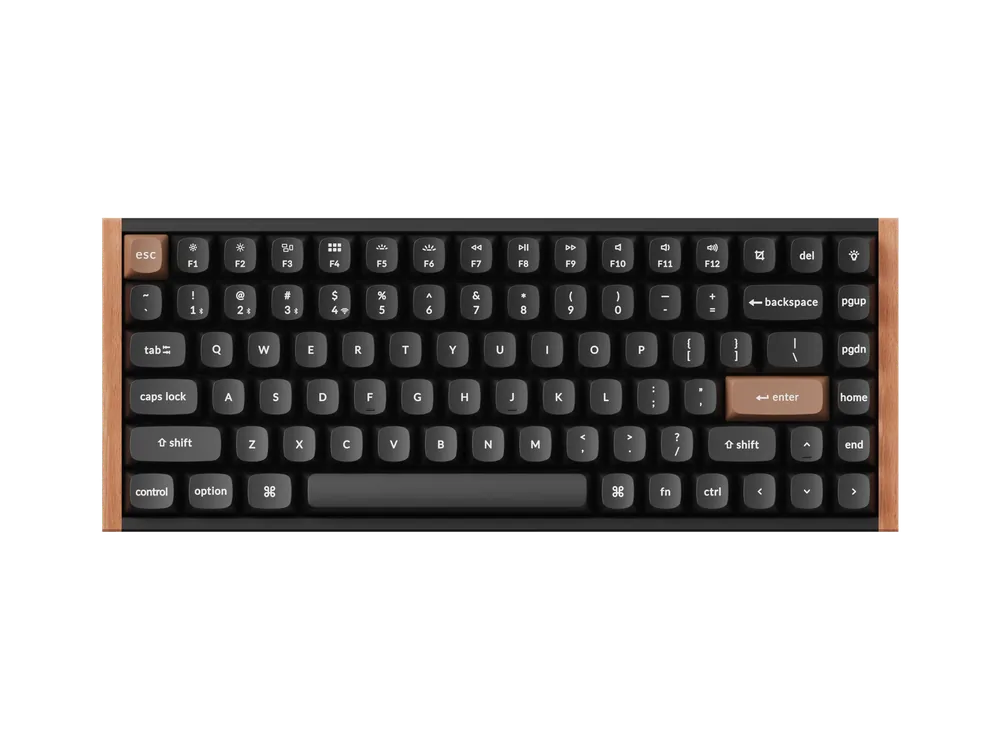
- Per-key actuation: trigger on a light touch or only at the bottom. The Keychron K2 HE adjusts from 0.2 to 3.8 mm in 0.1 mm steps; the NuPhy Air75 HE from 0.1 to 3.3 mm.
- Rapid Trigger: the key releases the moment your finger lifts, without returning to a fixed point, and fires again as soon as you press back down. Repeated taps and strafing stops register faster. NuPhy rates the Air75 HE's sensitivity at 0.01 mm.
- Dynamic Keystrokes (DKS): a shallow press does one thing, a deeper press another. Keychron's HE boards allow up to 4 actions per key.
- Analog mode: like a controller stick, the deeper you press the stronger the input, which suits racing games.
Which one suits you
- FPS, fighting and other fast-reaction games: magnetic. Rapid Trigger and adjustable depth are a real advantage.
- Mostly typing and office work: mechanical switches offer more feel options and usually cost less; a magnetic board can also be set deeper to avoid accidental presses.
- Love swapping switches: mechanical has far more standard MX options. Magnetic boards can be hot-swappable too, but usually only with specific magnetic switches (the K2 HE, for example, only takes Gateron double-rail magnetic switches).
Low profile or standard height
Both kinds come in low-profile versions. Low-profile boards are thinner, so your wrists sit lower, which helps for long typing sessions and travel. Keychron says its low-profile Gateron switches are 31% slimmer than standard ones, and the K3 Ultra 8K's front edge is just 20.0 mm including keycaps. Standard-height switches have more travel and more switch and keycap options.