BUYING GUIDE
Is 8K polling worth it?
Last updated: 2026-10-29
What polling rate is
Polling rate is how many times per second a keyboard or mouse reports its state to the computer. At 1000 Hz it reports every 1 millisecond; at 8000 Hz, every 0.125 milliseconds. The more often it reports, the sooner the computer knows what you did, and the finer the mouse's movement path.
What 8K actually buys you
Going from 1000 Hz to 8000 Hz cuts the longest wait between reports from 1 ms to 0.125 ms. For pro players and anyone on a high-refresh monitor, that difference matters; for everyday office work and typing you'll hardly notice it.
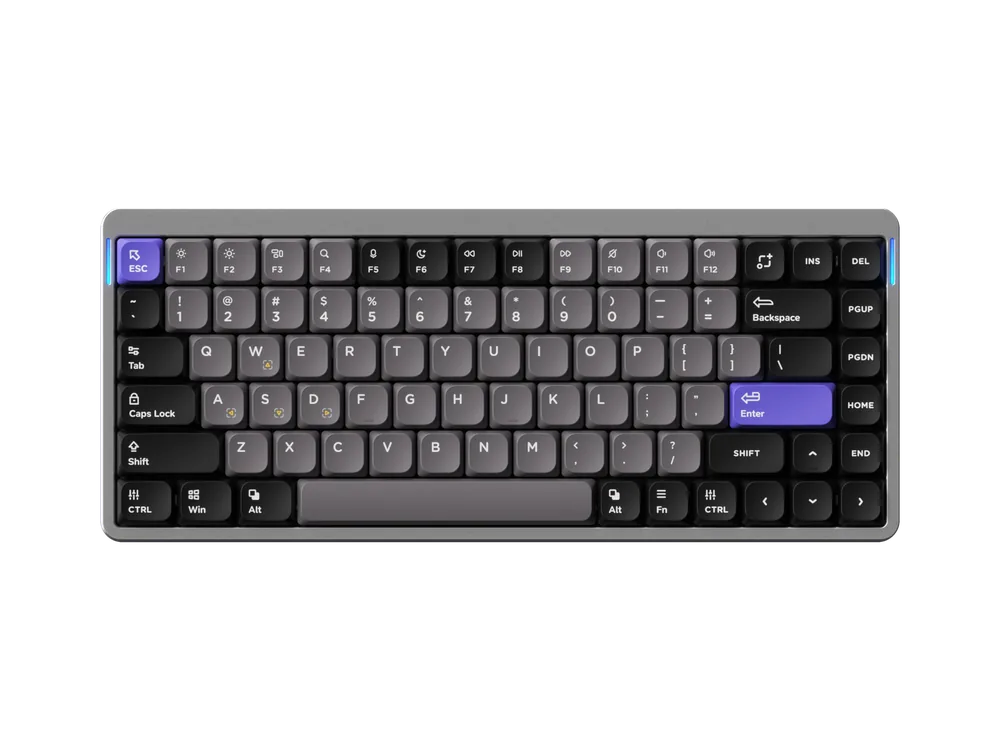
Keep in mind that 8K usually works only wired or with the 2.4 GHz receiver; Bluetooth is generally 125 Hz (the Lemokey G2, for example, runs 8000 Hz over 2.4 GHz and cable, 125 Hz over Bluetooth). Your computer has to keep up too: it puts more load on the USB port and processor.
What it costs in battery life
Higher polling uses more power. Using the brands' own figures:
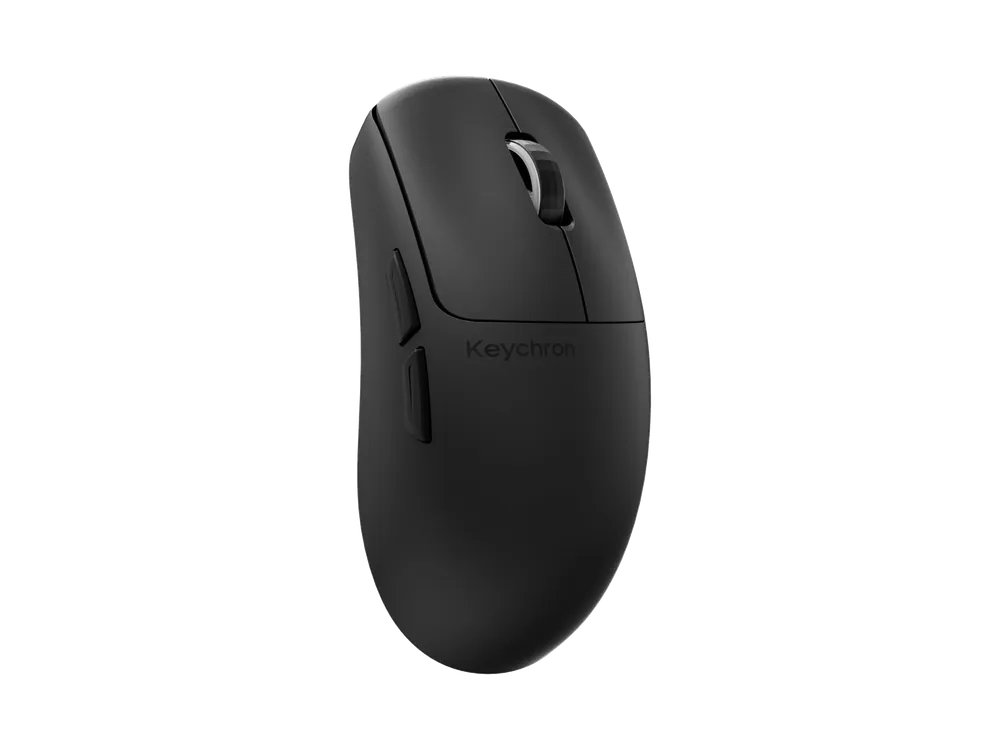
- Keychron G4 mouse: about 34 hours at 8K, about 130 hours at 1K.
- Lemokey G2 mouse: about 20 hours at 4000–8000 Hz, about 60 hours below 1000 Hz.
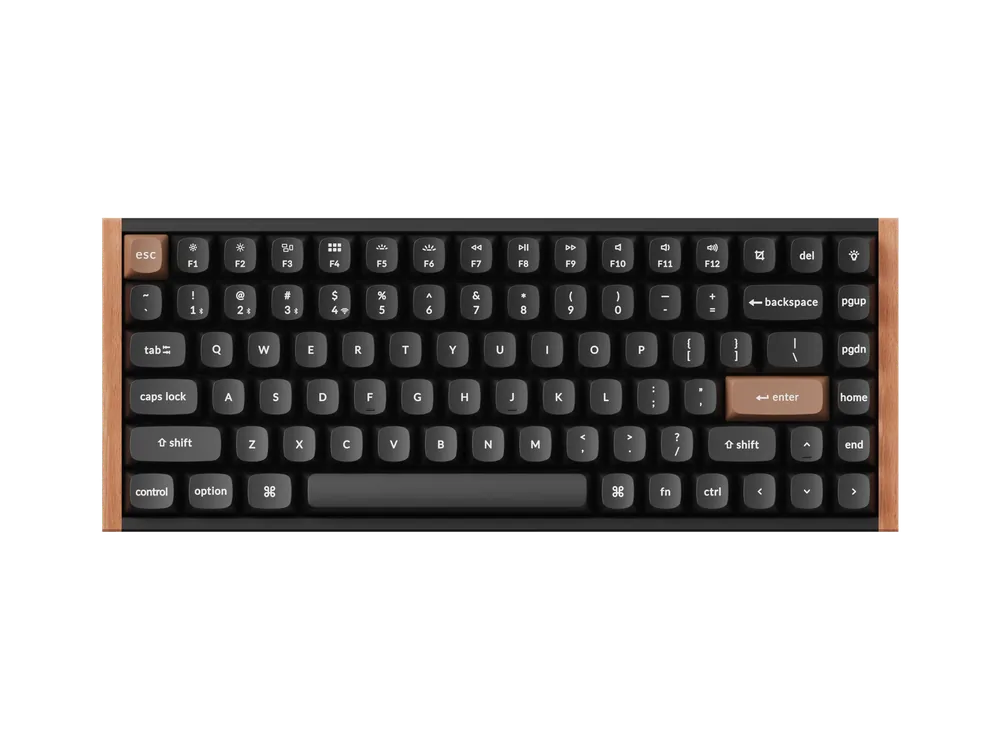
Keyboards fare better because their batteries are usually larger: Keychron rates the K3 Ultra 8K at up to about 550 hours at 8K with the backlight off.
How to choose
- Competitive games on a 240 Hz or faster monitor: 8K is worth it; use the receiver or a cable when you play.
- Casual gaming and office work: 1000 Hz is plenty, and the battery lasts longer.
- Want both: buy an 8K model and turn the polling rate down day to day. Keychron's 8K mice, for example, step between 125 Hz and 8000 Hz.